Smart Home Automation System: Components, Types & How It Works
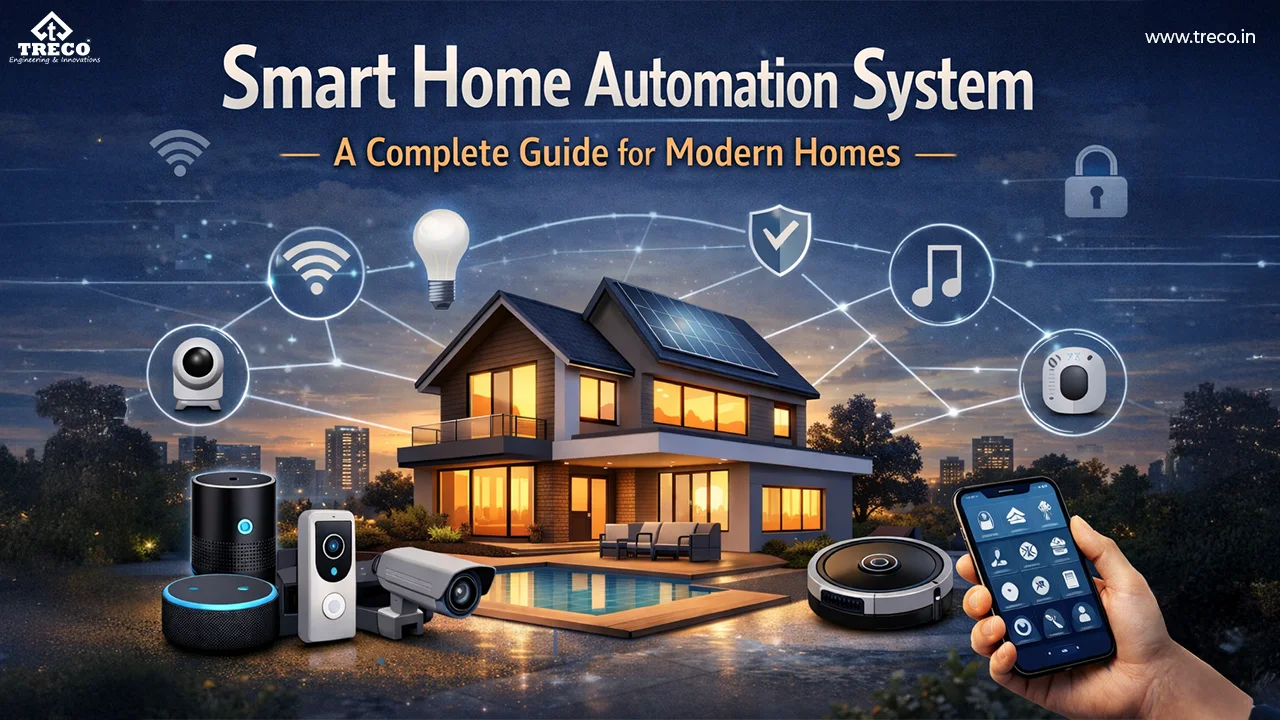
A smart home automation system connects switches, sensors, controllers, communication networks and compatible electrical devices so lighting, fans, curtains and other selected functions can respond to wall controls, apps, schedules, scenes or sensor conditions.
Unlike a collection of separate smart gadgets, a complete home automation system coordinates these components through a defined control architecture. That architecture determines how commands travel through the system, how connected devices respond, what can continue working without internet and how easily the installation can expand later.
Quick Answer: A smart home automation system is made up of user interfaces, controllers or gateways, communication networks, sensors, actuators or smart modules, connected electrical loads and control software. A command from a wall switch, app, sensor or schedule is processed by the system and sent to the required light, fan, curtain motor or other compatible device.
In This Guide
Smart Home Automation System Architecture
A smart home automation system architecture can be understood as five connected layers: user interface → communication network → controller → actuator → electrical load. When two-way communication is supported, device status and sensor information can return through the system to the user interface. When choosing a provider for a larger project, comparing home automation companies in India can also help you assess installation scope, local control and ongoing support.
Some smart-home products combine several of these functions inside one device. Larger home control systems may use separate gateways, controllers, sensors and actuators.
System Flow in One Line
User interface → communication → controller → actuator → electrical load
Status and sensor information can return to the interface when the selected devices and system support two-way communication.
Core Components of a Smart Home Automation System
The main components of a home automation system are the user interface, controller or gateway, communication network, sensors, actuators or smart modules, connected electrical loads and control software. Together, these smart home components receive commands, process automation rules and operate compatible devices.
This home automation components list applies broadly to wired, wireless and hybrid systems, although individual products may combine multiple functions inside one device.
| Component | Role | Examples | Key Selection Check |
|---|---|---|---|
| User interface | Creates commands and displays available status. | Wall switch, app, panel or compatible voice interface. | Simple everyday control and accessibility. |
| Controller or gateway | Processes rules and coordinates connected devices. | Central controller, hub or embedded controller. | Capacity, local processing and expansion. |
| Communication network | Transfers commands and device information. | Ethernet, Wi-Fi, Zigbee, RF or supported control bus. | Coverage, reliability, interoperability and security. |
| Sensors | Detect conditions or events. | Motion, door, light-level and temperature sensors. | Placement, range and automation logic. |
| Actuators / smart modules | Operate electrical or mechanical loads. | Relay, dimmer, fan controller and curtain motor. | Voltage, current, load type and compatibility. |
| Control software | Stores device names, schedules, scenes and automation rules. | Mobile app, dashboard or controller configuration. | User permissions, backups and long-term support. |
Treco product categories include smart touch switches , smart modules , lighting automation , motion sensors and curtain automation . The products selected for a project should match the system architecture, electrical loads and required control methods.
How Does a Smart Home Automation System Work?
- Input: A wall switch, mobile app, sensor or schedule creates a command.
- Transmission: The command moves through the supported wired or wireless communication network.
- Processing: A controller or embedded smart device checks the required action and automation logic.
- Execution: A relay, dimmer, motor controller or other actuator operates the connected electrical load.
- Feedback: When supported, the controller or device returns updated status.
For example, a motion sensor can detect movement after dark. The controller checks the configured rule and switches on the hallway light for a defined period.
Another example is a bedtime scene that switches off selected lights, closes compatible motorized curtains and leaves only the required circuits active.
What Is a Smart Home Control System?
A smart home control system is the part of the home automation system that allows people, sensors and programmed rules to control compatible devices and electrical functions.
Commands may come from wall switches, touch panels, mobile apps, schedules, motion sensors or compatible voice interfaces.
The control interface does not always operate the electrical load directly. A command can pass to a controller or smart module, which then uses a relay, dimmer or motor controller to operate the connected light, fan, curtain or other compatible device.
Good home control systems should combine convenient smart functions with simple local control. Essential everyday functions should not become unnecessarily difficult to operate if an internet connection, app or cloud service becomes unavailable.
Types of Home Automation Systems: Wired, Wireless & Hybrid
The three main types of home automation systems are wired, wireless and hybrid. This classification describes how controllers, switches, sensors and other devices communicate within the installation.
| System Type | Typical Use | Advantages | Limitations |
|---|---|---|---|
| Wired | New homes, villas and structured projects. | Stable planned communication and easier structured documentation. | Requires early cabling and design coordination. |
| Wireless | Existing homes and phased upgrades. | Can reduce major civil work and allow flexible device placement. | Depends on radio coverage, interference and battery maintenance where applicable. |
| Hybrid | Large projects, renovations and mixed environments. | Combines a structured core with flexible additions. | Requires careful integration and documentation. |
Neither wired nor wireless home automation is automatically better for every property.
Wired systems are often suitable for new construction where communication and control cabling can be planned in advance. Wireless systems can be easier to retrofit into existing homes. Hybrid systems combine both approaches when the project needs a structured core plus flexible additions.
Local Control vs Cloud Control
Local control processes supported commands within the property. It can provide fast response and allow selected functions to continue during an external internet outage.
Cloud control can support remote access, notifications, user accounts and compatible integrations. These functions may depend on the availability of the internet connection and the provider's online service.
For essential lighting, fans and other frequently used functions, a practical local or wall-control path should remain available wherever the selected system supports it.
Communication Technologies Used in Home Automation
| Technology | Typical Role | Important Check |
|---|---|---|
| Wi-Fi | Connects compatible devices to the local network and supported online services. | Network coverage, router capacity and secure configuration. |
| Zigbee | Can create a low-power mesh network between compatible devices. | Gateway requirements and product interoperability. |
| Bluetooth | Can support pairing, setup and short-range control. | Range and whether a gateway is required for broader control. |
| Ethernet | Provides fixed network connectivity for selected controllers and interfaces. | Cabling, network design and switch capacity. |
| Proprietary RF or wired bus | Supports selected manufacturer-specific automation ecosystems. | Future expansion, replacement availability and technical support. |
For deeper discussion of connected-device communication and IoT architecture, see home automation using IoT .
How to Choose a Home Automation System
The best home automation system is the one that fits the property's actual requirements rather than the system with the longest feature list.
Before selecting a platform, consider:
- Whether the property is under construction or already finished
- The number of rooms and electrical circuits
- Lighting, fan, curtain, sensor and other automation requirements
- Required local wall controls
- Network and communication requirements
- Internet-independent operation
- Future expansion
- Installation and technical support
For India-specific buying, retrofit and project-planning guidance, see smart home automation in India .
System Expansion and Capacity Planning
A smart home system that works for one room may not automatically be appropriate for a large apartment or villa.
Before choosing a controller, gateway or platform, estimate the number of rooms, controlled circuits, sensors, scenes and future additions. Also consider user accounts, schedules, remote access and integrations.
- Allow reasonable spare device and circuit capacity.
- Document device names, rooms and locations.
- Keep electrical and automation drawings.
- Plan backup and recovery for controller configuration.
- Confirm future product and technical-support availability.
Security and Reliability Requirements
- Use strong and unique account passwords.
- Keep supported device firmware and applications updated.
- Use secure Wi-Fi configuration.
- Avoid unnecessarily exposing controllers directly to the public internet.
- Remove unused accounts and permissions.
- Keep essential physical controls available.
- Use appropriate professional installation for mains-powered controls.
Reliability also depends on proper device selection, communication coverage, controller capacity, electrical load ratings and clear documentation.
Home Automation Installation and Commissioning
- Define the rooms and functions: Create a room-by-room list of lighting, fans, curtains, sensors and other required controls.
- Inspect the electrical installation: Check wiring, loads, neutral availability and available switch-box depth.
- Select the system architecture: Choose wired, wireless or hybrid according to the property.
- Select compatible components: Choose controllers, switches, modules, sensors and actuators that work together.
- Coordinate related work: Align electrical, lighting, curtains, interiors and networking.
- Install and label: Install devices and clearly identify circuits and controllers.
- Configure the system: Set rooms, scenes, schedules and user permissions.
- Test the complete installation: Check local control, app control, automation rules, offline behaviour and recovery.
- Complete handover: Provide user guidance, system information and relevant support details.
What Does a Home Automation System Cost?
There is no single fixed price for every smart home automation system. Cost depends on the number of controlled circuits, switches, sensors, dimmers, curtain motors, controllers, installation requirements, programming and integrations.
A useful quotation should clearly separate hardware, electrical installation, configuration and optional integrations instead of providing only one unexplained total price.
Common Smart Home System Design Mistakes
- Choosing products before defining actual use cases
- Assuming every device from different brands will communicate together
- Ignoring wall-control and internet-outage behaviour
- Using dimmers with incompatible lighting loads
- Underestimating network coverage
- Choosing a controller with insufficient future capacity
- Failing to document wiring, device addresses and configuration
- Ignoring long-term support and replacement planning
Conclusion
A smart home automation system combines user interfaces, controllers, communication networks, sensors, actuators and electrical loads into one coordinated control architecture.
The main components work together through a simple process: input → communication → processing → execution → feedback.
Home automation systems are commonly designed as wired, wireless or hybrid systems. The best approach depends on the property, electrical infrastructure, required controls, reliability expectations and expansion plan.
For a project-specific commercial solution, visit Treco's home automation page .
FAQs
What is a smart home automation system?
A smart home automation system connects user interfaces, controllers, communication networks, sensors, actuators and compatible electrical loads so selected functions can respond to wall switches, apps, schedules, scenes and sensor conditions.
What are the components of a home automation system?
The main components are the user interface, controller or gateway, communication network, sensors, actuators or smart modules, connected electrical loads and control software for scenes, schedules and automation rules.
How does a home automation system work?
A wall switch, app, sensor or schedule creates a command. The command travels through the communication network to a controller or smart device, which processes the instruction and operates the connected load through an actuator such as a relay, dimmer or motor controller.
What are the main types of home automation systems?
The three main types are wired, wireless and hybrid home automation systems. Wired systems use planned cabling, wireless systems use radio-based communication and hybrid systems combine both.
What is a smart home control system?
A smart home control system allows wall controls, apps, sensors, schedules or compatible voice interfaces to send commands to connected devices. A controller or smart module processes those commands and operates the appropriate electrical load.
Which home automation system is best?
The best system depends on the property, required controls, electrical loads, new-build or retrofit conditions, reliability requirements, future expansion and available technical support.
Can a smart home system work without internet?
Selected functions can work without external internet access when the system supports local processing and local wall controls. Remote access, cloud notifications and some integrations may require internet connectivity.
Is wired or wireless home automation better?
Wired home automation is often suitable for new construction where dedicated cabling can be planned. Wireless systems can be easier to retrofit in existing homes. Hybrid systems combine both approaches where needed.